Case Study: Reading App Design
Case Study: Reading App Design
libro - An Easy and Intuitive Reading App
libro - An Easy and Intuitive Reading App
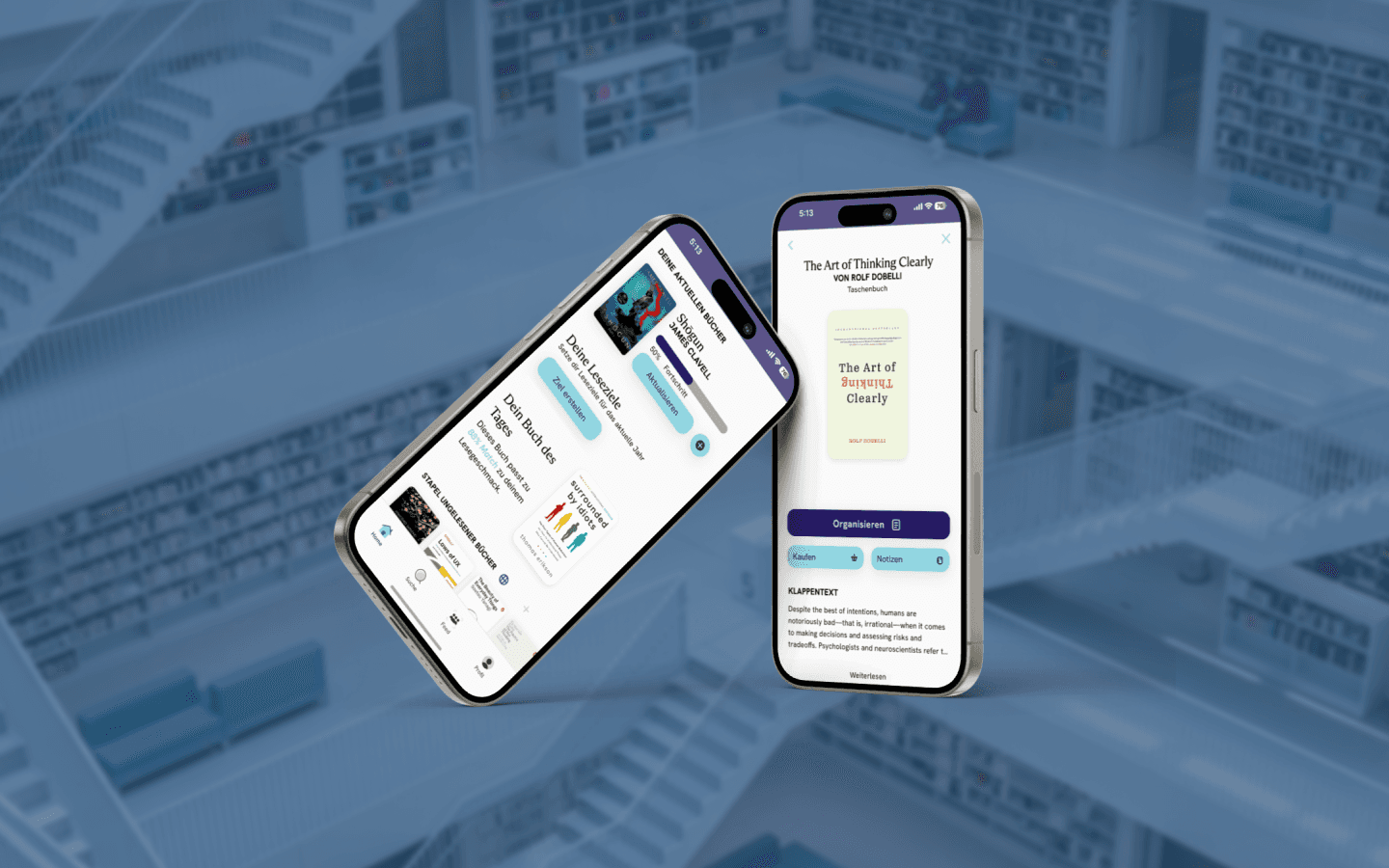
As part of the Supercode UX/UI Design Bootcamp, our team created Libro, an app designed to enhance the reading experience by blending traditional reading with digital convenience.
Our goal was to make reading more organized, interactive, and community-driven, allowing readers to connect and share their love for books.
As part of the Supercode UX/UI Design Bootcamp, our team created Libro, an app designed to enhance the reading experience by blending traditional reading with digital convenience.
Our goal was to make reading more organized, interactive, and community-driven, allowing readers to connect and share their love for books.
App
App
App
AS
UX/UI Designer
AS
UX/UI Designer
AS
UX/UI Designer
FOR
Reading & Books
FOR
Reading & Books
FOR
Reading & Books
Duration
1 Month
Duration
1 Month
Duration
1 Month
Understanding the Challenge - Market Research & Analysis
Understanding the Challenge - Market Research & Analysis
We started by diving into the world of readers, from seasoned book lovers to digital natives. Through research, we identified common pain points like difficulty discovering books and managing digital libraries.
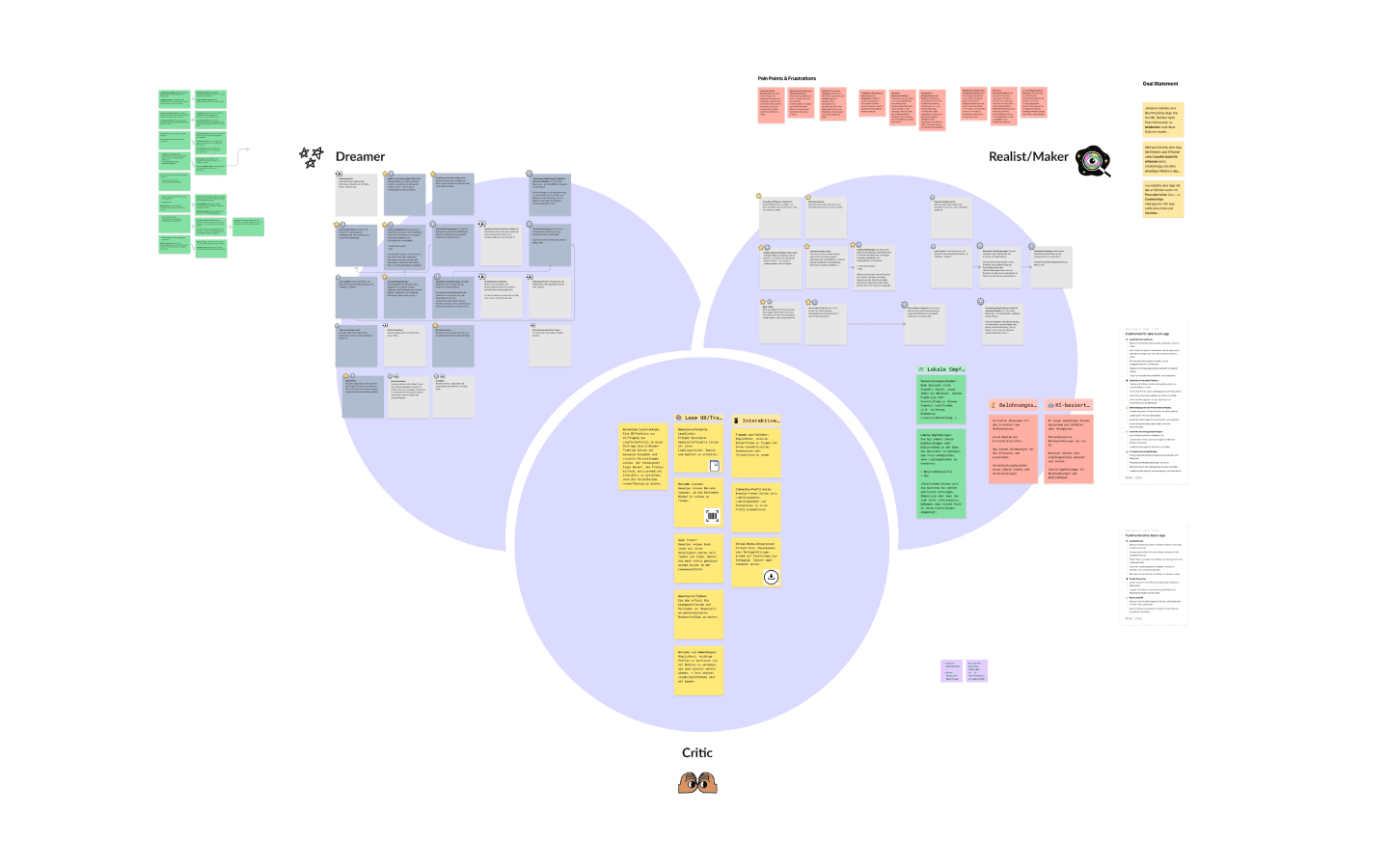
Using the Walt Disney Technique, we explored creative solutions to ensure the app met the needs of diverse users.
We started by diving into the world of readers, from seasoned book lovers to digital natives. Through research, we identified common pain points like difficulty discovering books and managing digital libraries.
Using the Walt Disney Technique, we explored creative solutions to ensure the app met the needs of diverse users.
Building a Strong Foundation
Building a Strong Foundation
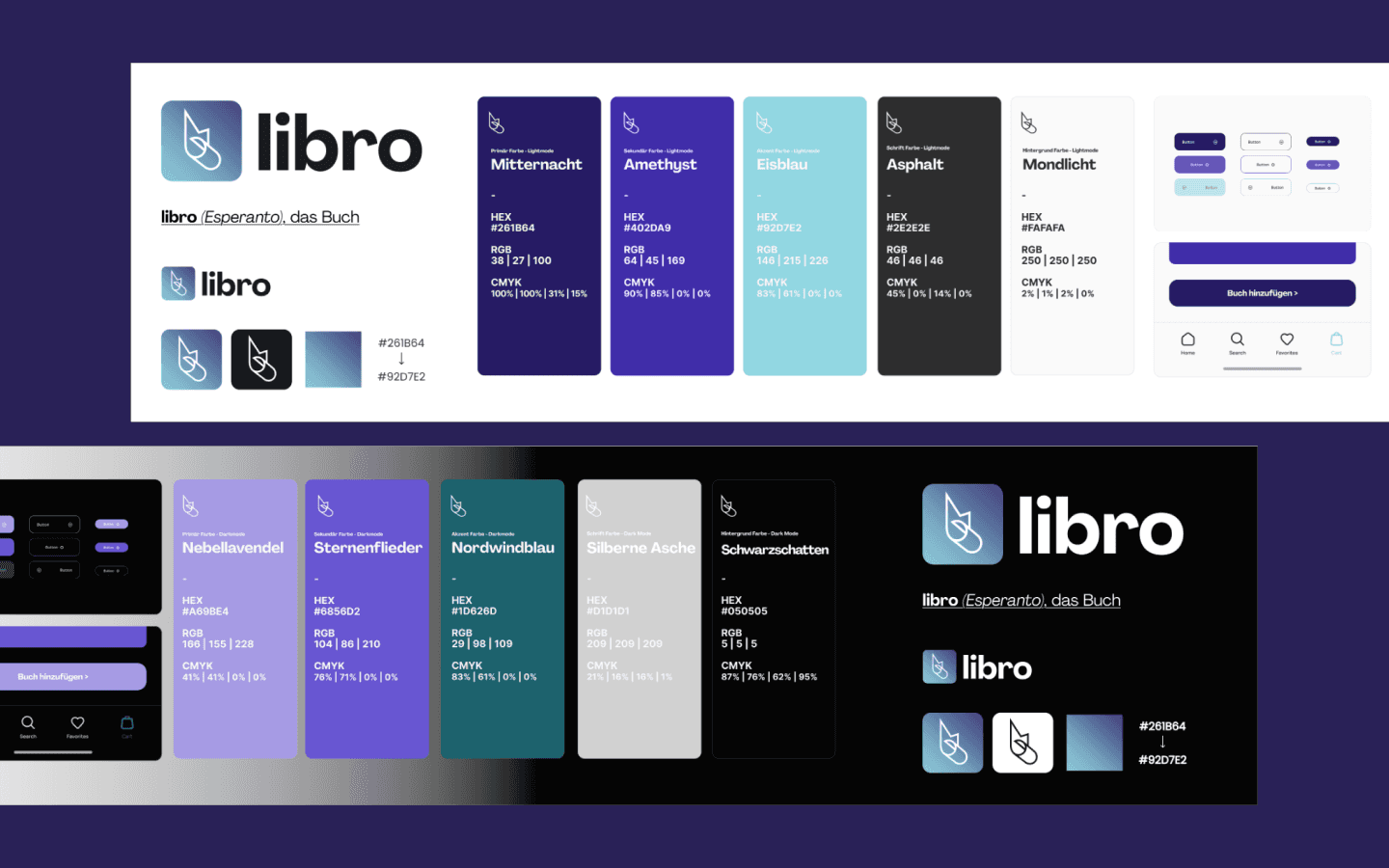
With insights in hand, we built libro’s design system, focusing on simplicity, clarity, and intuitive interactions.
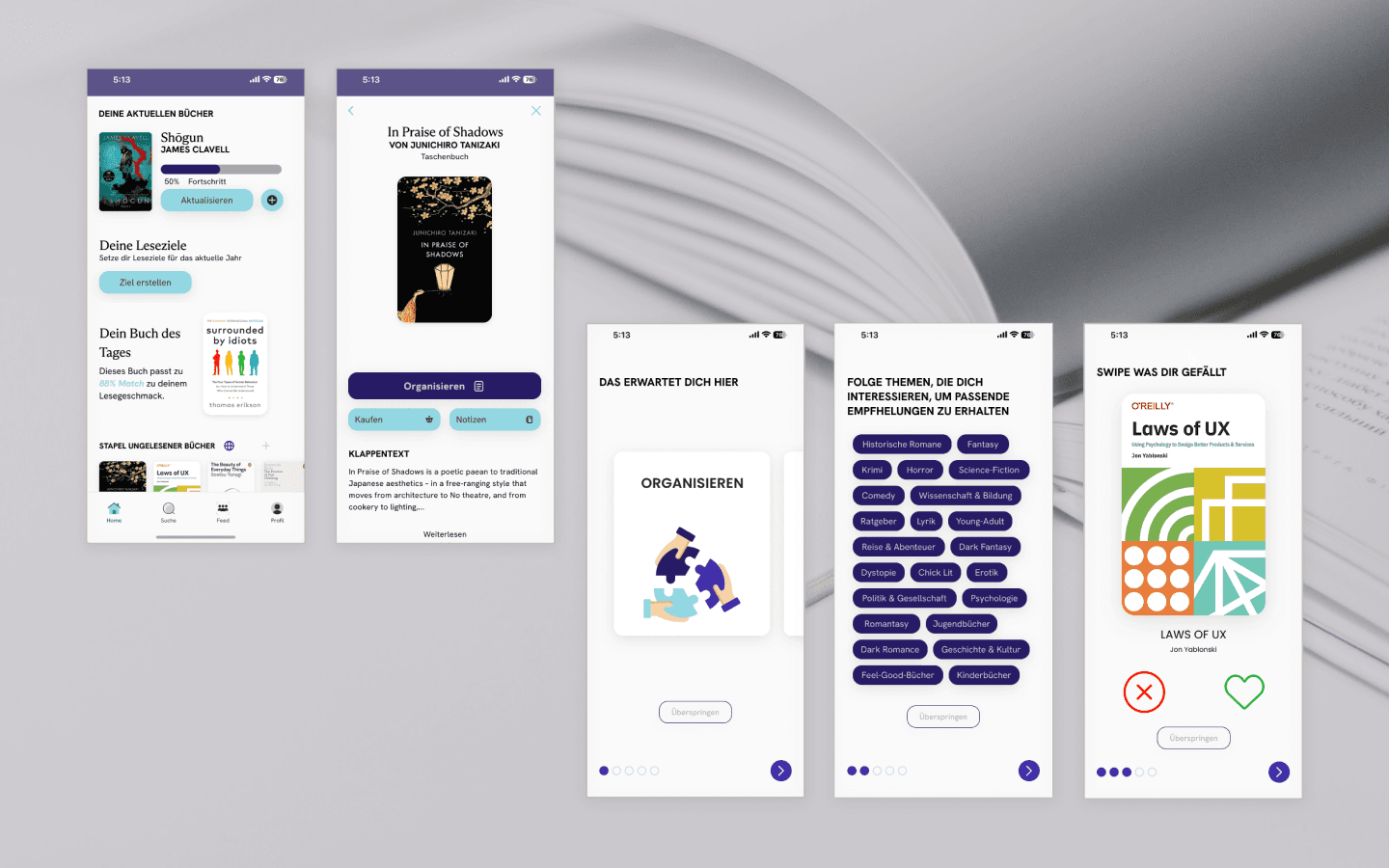
We imagined a playful, engaging onboarding process, followed by personalized book searches, barcode scanning, and seamless navigation. Every detail was crafted to ensure that users would enjoy the process of discovering books, setting reading goals, and managing their libraries, all while staying organized and motivated.
With insights in hand, we built libro’s design system, focusing on simplicity, clarity, and intuitive interactions.
We imagined a playful, engaging onboarding process, followed by personalized book searches, barcode scanning, and seamless navigation. Every detail was crafted to ensure that users would enjoy the process of discovering books, setting reading goals, and managing their libraries, all while staying organized and motivated.
Bringing Ideas to Life
Bringing Ideas to Life
Next, we dove into the world of UI desgin and prototyping. Using Figma, we crafted the UI design and interactive prototype, bringing the app to life with a dynamic user journey. From onboarding to book searches and library management, we ensured each interaction was enjoyable and easy to use, guiding users through an organized and motivating experience.
Next, we dove into the world of UI desgin and prototyping. Using Figma, we crafted the UI design and interactive prototype, bringing the app to life with a dynamic user journey. From onboarding to book searches and library management, we ensured each interaction was enjoyable and easy to use, guiding users through an organized and motivating experience.

02
03
02
03
02
03
Reflections
Reflections
Looking back, this project was a turning point in my journey as a UX/UI designer. It gave me the opportunity to apply all the design principles I had learned in a real-world context, creating something that was both functional and meaningful. From researching user needs to crafting the design system and prototyping, every step pushed me to think critically and creatively.
Most importantly, I learned the power of user feedback – understanding how small design tweaks can make a big difference in user satisfaction and engagement.
This project didn’t just teach me about design — it showed me the power of empathy, creativity, and collaboration in creating something truly meaningful.
Looking back, this project was a turning point in my journey as a UX/UI designer. It gave me the opportunity to apply all the design principles I had learned in a real-world context, creating something that was both functional and meaningful. From researching user needs to crafting the design system and prototyping, every step pushed me to think critically and creatively.
Most importantly, I learned the power of user feedback – understanding how small design tweaks can make a big difference in user satisfaction and engagement.
This project didn’t just teach me about design — it showed me the power of empathy, creativity, and collaboration in creating something truly meaningful.
Works
Works
Explore my selected projects, showcasing my dedication
to innovative and heartfelt design.